

In high-concurrency enterprise applications, scheduling maintenance windows or tolerating brief service disruptions during production rollouts is no longer acceptable. A single dropped TCP connection during a software update can interrupt payment processing, invalidate in-flight shopping carts, or disrupt real-time financial telemetry. While native Kubernetes RollingUpdate controllers attempt to replace pods incrementally, they rely entirely on blunt pod readiness signals often routing live traffic to unstable containers before latent memory leaks, schema mismatches, or unhandled exceptions surface.
Zero-Downtime Deployment in Kubernetes elevates release management from basic pod replacement to data-driven Progressive Delivery. By leveraging specialized orchestrators like Argo Rollouts or Flagger alongside modern ingress controllers and service meshes (such as Istio or Envoy), enterprise platform teams split live traffic at the packet level. Deployments advance through incremental canary steps, automatically analyzing real-time error budgets, latency percentiles, and business metrics, and triggering sub-second rollbacks if anomalies appear.
The Operational Risks of Native Kubernetes Rolling Updates
Relying solely on vanilla Kubernetes rolling updates introduces critical production failure points:
- Blunt Health Check Limitations: Kubernetes
readinessProbesonly verify that an HTTP port responds with a200 OKstatus; they cannot detect subtle downstream regressions, such as database query timeouts, corrupted cache reads, or rising p99 latencies. - All-or-Nothing Traffic Exposure: A standard rolling update continuously shifts user traffic to new pods until 100% of the fleet runs the new version. If an edge-case bug triggers only under real-world user load, the entire user base is exposed simultaneously.
- Slow Manual Rollbacks: When an incident occurs mid-rollout, executing
kubectl rollout undorequires pulling older container images, waiting for pod scheduling, and passing readiness checks—leaving users exposed to broken code for minutes. - Database Schema Lockups: Deploying new application code that depends on breaking database schema changes without backwards-compatible migration patterns locks database tables, causing widespread microservice outages.
Native Rolling Updates vs. Enterprise Progressive Delivery
| Deployment Dimension | Vanilla Kubernetes RollingUpdate | Enterprise Progressive Delivery (Canary / Blue-Green) |
| Traffic Routing Precision | Coarse; proportional strictly to pod replica counts | Fine-grained; exact percentage traffic shaping (e.g., 2%, 5%, 25%) via L7 proxies |
| Analysis & Validation | Static HTTP/TCP readiness and liveness probes | Automated metric analysis (Prometheus/Datadog error rates, p99 latency) |
| Rollback Execution | Manual command execution or custom CI/CD scripting | Automated sub-second rollback triggered by metric anomalies |
| Blast Radius Control | High; 100% of user traffic is progressively exposed | Minimal; traffic can be restricted to internal staff or specific user cohorts |
| Target Routing Mechanism | Basic Kubernetes ClusterIP Service endpoints | Dynamic Service Mesh (Istio) or Ingress annotations (ALB, NGINX) |
| Data Schema Synchronization | High risk of schema drift and runtime lockouts | Decoupled via multi-phase Expand/Contract database migration patterns |
Strategic Pillars for Architecting a Zero-Downtime Release Engine
1. Progressive Traffic Shaping & Automated Rollout Controllers
Implement advanced deployment controllers like Argo Rollouts or Flagger integrated with service meshes (Istio, Linkerd) or cloud ingress gateways. Engineering automated deployment manifests, analysis templates, and self-healing deployment pipelines through Custom Software Development Services ensures software releases automatically roll back within seconds if telemetry crosses error-budget thresholds.
2. Client-Side Resilience & Graceful API Degradation
Prevent client-side web application crashes when backend microservices undergo progressive traffic shifts. Designing defensive frontend architectures with resilient API retry logic, optimistic UI states, and service worker caching via Website Development Services ensures users experience zero session drops or interface freezes during active canary promotions.
3. Real-Time Release Dashboards & SRE Cockpit UI/UX Design
DevOps and engineering leads need clear visibility during active deployments to make informed decisions. Designing intuitive deployment telemetry portals, traffic-split visualizers, and interactive metric comparison views through UI/UX Design Services makes complex progressive rollouts transparent and manageable for site reliability engineering teams.
4. Graceful Mobile Session Handshakes & Multi-Version API Compatibility
Mobile apps frequently operate across a wide spectrum of legacy client versions that cannot be updated simultaneously. Engineering robust API gateway version routing, deprecation headers, and backward-compatible data payloads via Mobile App Development Services guarantees older mobile clients continue operating uninterrupted during rolling backend upgrades.
5. Continuous Search Engine Availability & Crawl Integrity
Ensure public-facing marketing portals, technical documentation, and enterprise e-commerce platforms remain accessible to search engine spiders during deployments. Maintaining zero-downtime headless CMS delivery channels via WordPress Development Services coupled with data-driven SEO Services prevents HTTP 502/503 response spikes that harm crawl budgets, Core Web Vitals, and organic rankings.
6. High-Trust Enterprise SLAs & Brand Reliability
Promote continuous system availability, rapid feature delivery, and enterprise-grade reliability metrics as core market differentiators to accelerate enterprise sales funnels, supported by Digital Marketing Services.
Master Continuous Delivery with Deytal Technologies
Eliminating deployment risk requires more than writing basic deployment YAML files; it demands end-to-end traffic engineering, automated metric validation, and backwards-compatible data migrations. Deytal Technologies Pvt. Ltd. designs, audits, and builds production-grade Kubernetes CI/CD workflows, GitOps-driven deployment engines, and high-availability cloud platforms engineered for continuous delivery, zero downtime, and instant automated recovery.
Frequently Asked Questions (FAQ)
Q1: What is the core difference between Canary and Blue-Green deployments?
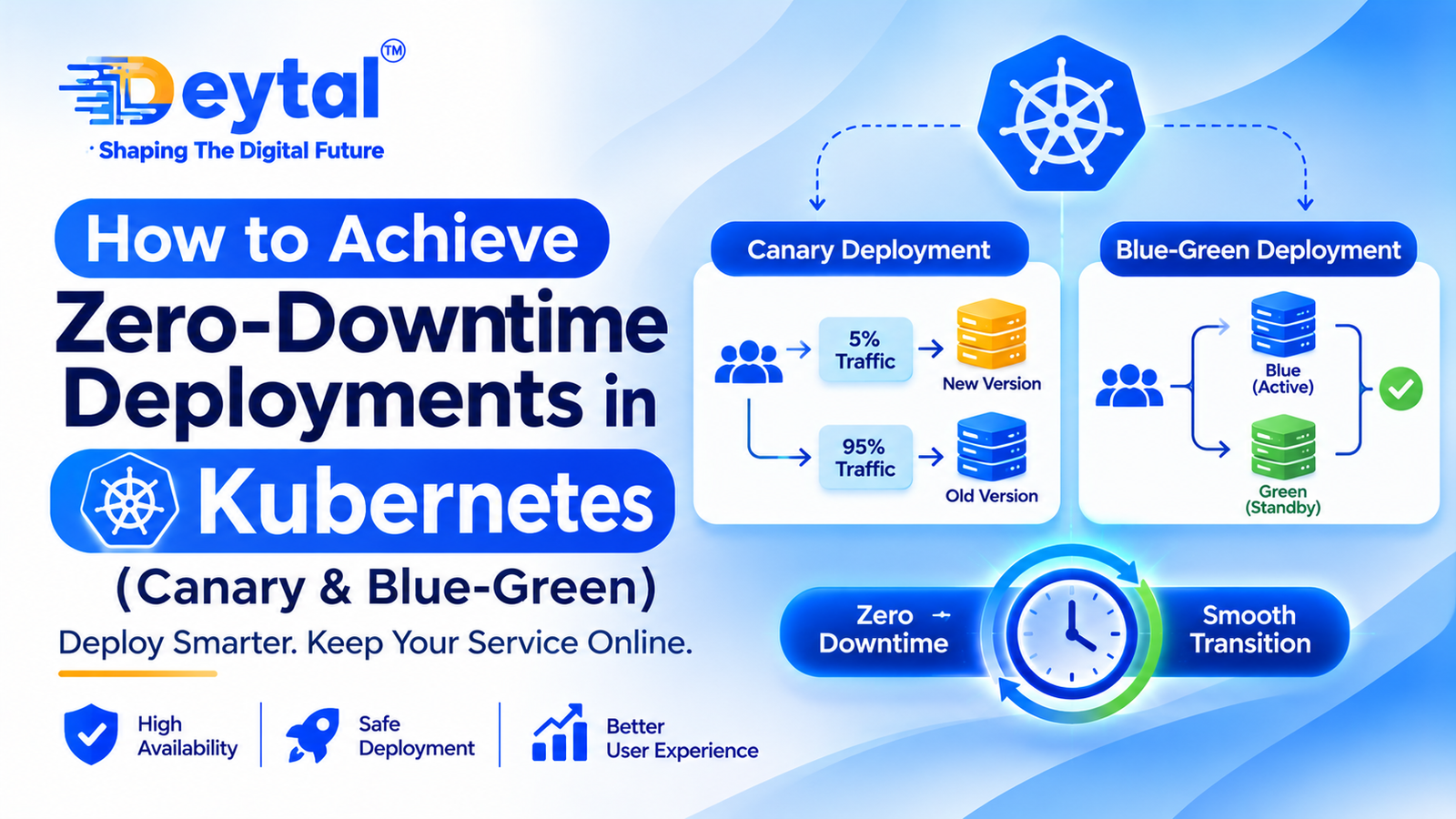
A Blue-Green deployment runs two identical physical environments simultaneously: “Blue” serves 100% of live traffic while “Green” hosts the new release. Once tested, the router instantly flips all traffic to Green. A Canary deployment, by contrast, runs within the same infrastructure and routes a tiny percentage of live user traffic (e.g., 2%) to the new version, gradually increasing traffic as automated metric checks confirm system health before retiring the previous version.
Q2: How do you achieve zero downtime when database schemas change during a deployment?
Zero-downtime database updates require the Expand/Contract (Parallel Run) pattern:
- Expand: Apply a non-breaking database migration that adds new columns or tables alongside existing ones, supporting both old and new code versions simultaneously.
- Transition: Deploy the new application version, reading from and writing to the new structures while maintaining compatibility.
- Contract: Once all old application pods are fully terminated and the new release is stable, execute a final database cleanup script to drop deprecated columns or tables.
Q3: How does Argo Rollouts automate metric analysis during canary promotions?
Argo Rollouts uses an AnalysisTemplate resource that queries Prometheus, Datadog, or New Relic at defined intervals during the rollout. If predefined success metrics—such as an HTTP 5xx error rate below 0.1% and a p99 latency under 200ms—pass over a designated observation window (e.g., 10 minutes at 10% traffic), the controller advances to the next traffic tier. If any metric check fails, the controller immediately halts the deployment and restores 100% of traffic to the stable revision.
